

v1.0.0b8 · macOS only · Elastic-2.0
Drive the
iOS Simulator
with Claude.
Three primitives. ios_observe,
ios_act,
ios_record.
Exposed as Python functions and MCP tools.
pip install simdrivePRIMITIVES
Three functions. That's the whole API.
No DSL. No YAML. No selectors. Your agent reads the simulator state and acts on it the same way a human tester does — only deterministically.
01
ios_observe()
Screenshot + accessibility tree, returned as a typed state object.
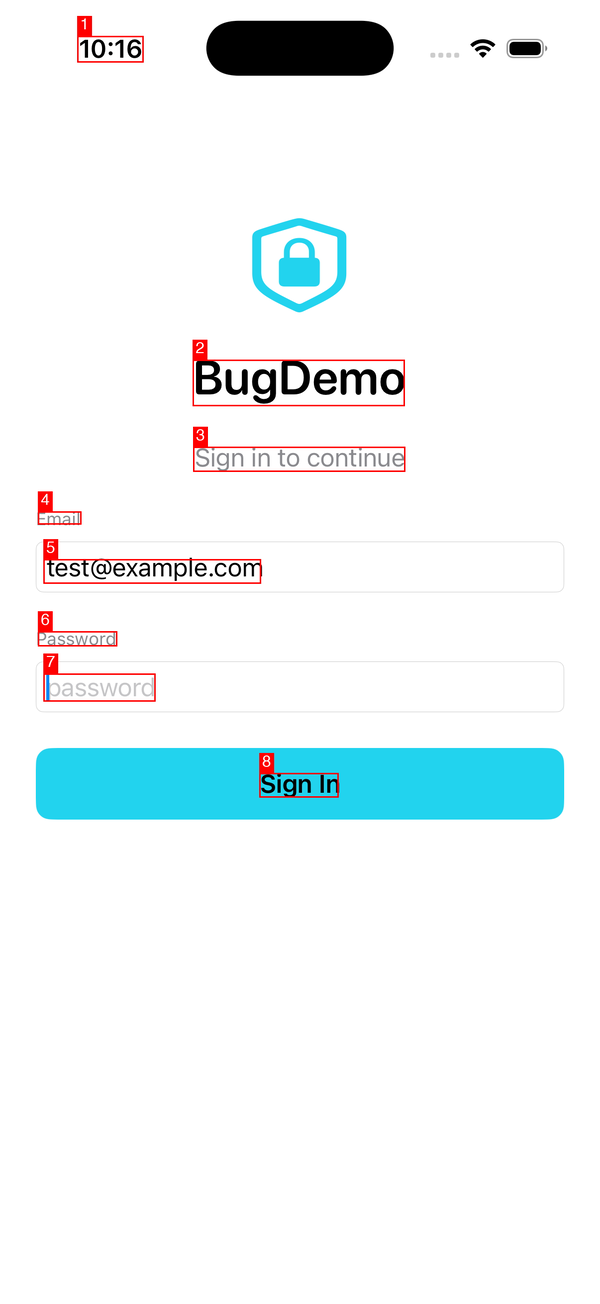
from simdrive import ios_observe
# Capture the current simulator state — screenshot + accessibility tree.state = ios_observe()print(state.elements)  # list of (role, label, frame) tuples
02
ios_act()
Claude observes the screen and acts via a small, sharp tool surface — tap, type, swipe. Resolve targets against the last observation when you name them.
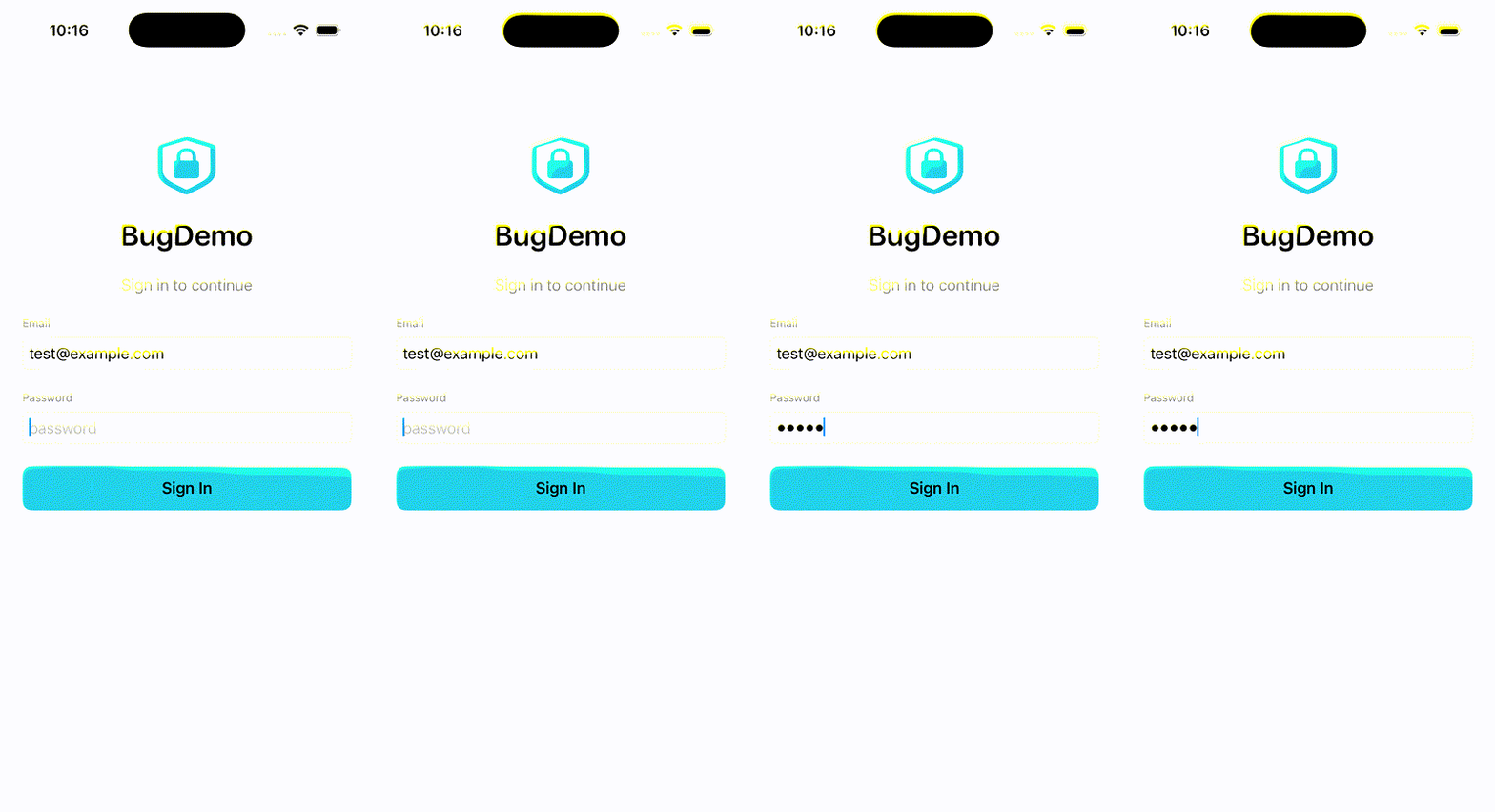
from simdrive import ios_act
# Drive the simulator. When you name a target (mark id, label, or# stable_id), the call is resolved against the last observation.# Raw (x, y) coordinates are accepted too as an escape hatch.ios_act("tap", target="Sign In")ios_act("type", text="hello@example.com")
03
ios_record()
Capture a deterministic replay you can re-run later against a booted target.
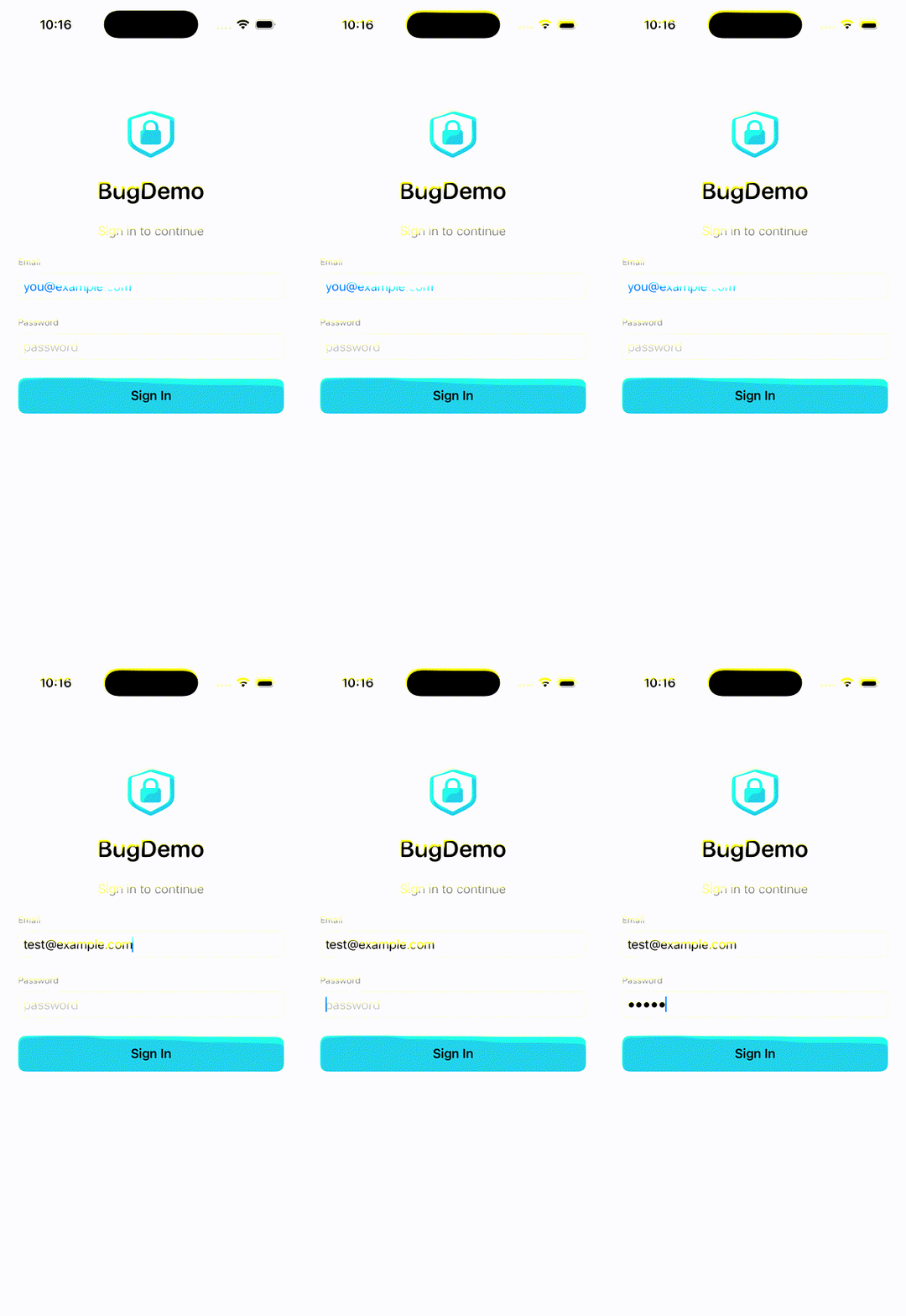
from simdrive import ios_record
# Capture a deterministic replay file as the agent works.with ios_record("smoke.replay.json"):    ios_act("tap", target="Sign In")    ios_act("type", text="hello@example.com")# Replay it later against a booted target.
HOW IT WORKS
Observe → Act → Record. Then replay.
WALKTHROUGH
See SimDrive in action
Full ~6-minute walkthrough: bug reproduction in BugDemo, agent driving Settings & Maps, the session-artifact deep dive.
COMPARISON
Why not Maestro or Appium?
Both are excellent for human-authored tests. SimDrive optimizes for a different caller: an LLM agent that needs structured state in and structured actions out.
| SimDrive | Maestro | Appium | |
|---|---|---|---|
| Primary caller | LLM agent | Human via YAML | Human via WebDriver |
| Observation | screenshot + a11y tree | hierarchy dump | XML page source |
| Action validation | against last observation | selector-based | selector-based |
| Replay cost | free, deterministic | free | free |
| MCP server | built-in (vision-first) | built-in (YAML-flow, Feb 2026) | third-party only |
MCP INSTALL
Plug into your agent in one config block.
SimDrive ships an MCP server. Add it to your client config — nothing else to install.
# .mcp.json — Claude Code{ "mcpServers": { "simdrive": { "command": "simdrive" } }}# ~/.cursor/mcp.json — Cursor{ "mcpServers": { "simdrive": { "command": "simdrive" } }}# ~/.continue/config.json — Continue{ "experimental": { "modelContextProtocolServers": [ { "transport": { "type": "stdio", "command": "simdrive" } } ] }}